Quick Summary
The U.S. Department of Education issued new guidance on August 20 encouraging schools, districts, educators, families, and technology providers to judge classroom technology by its instructional purpose and evidence—not simply by whether it appears on a screen.
The guidance is a Dear Colleague Letter, not a nationwide ban on classroom devices, a legal screen-time limit, or a list of federally approved apps. States and local communities still lead many technology decisions. For parents, its most useful feature is a five-question framework for asking what a tool is supposed to accomplish and whether it is helping.
Reader Decision
When a school introduces an app, device, AI tool, digital curriculum, or online assessment, ask for the learning purpose, intended students, timing, duration, and evidence. A clear answer does not require technical jargon. It should connect the tool to a specific learning need and explain how the school will know whether to continue, adjust, or stop using it.
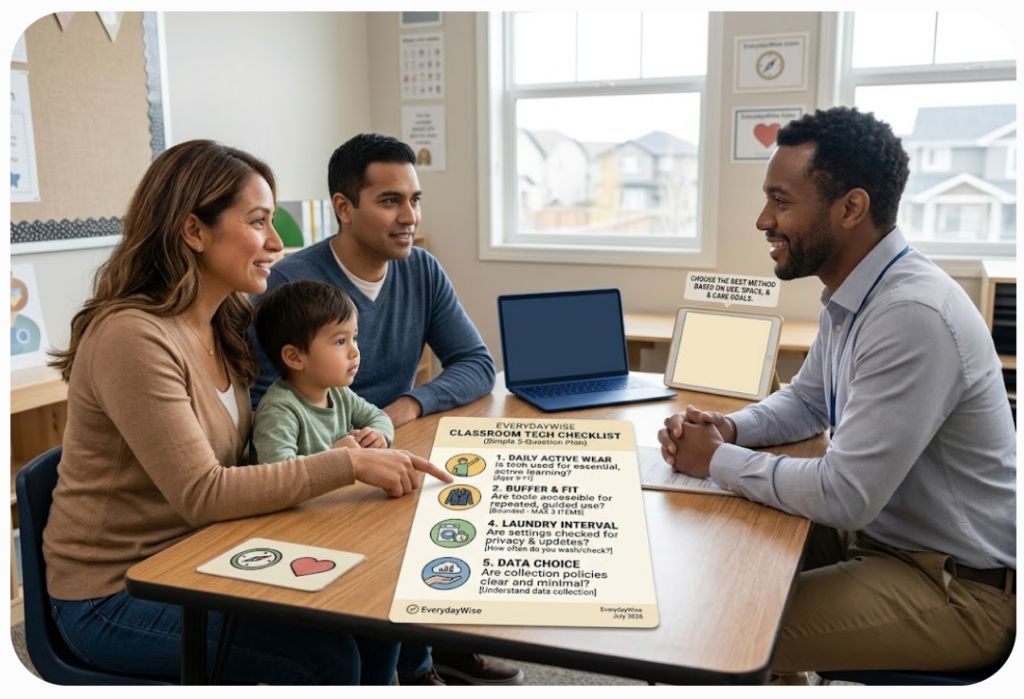
What the New Guidance Does—and Does Not Do
The Department’s letter asks education leaders to distinguish recreational technology from instructional technology. Social media, adaptive reading, assistive software, and a virtual course may all involve screens, but they do not serve the same purpose.
The letter encourages states and districts to consider learning outcomes, cost, usability, accessibility, compatibility, implementation support, and educator experience. It also calls for regular review.
The guidance does not:
- impose a federal daily screen-time maximum;
- prohibit classroom technology or AI;
- require a school to purchase a particular product;
- certify that a named app is effective or safe; or
- replace state, district, disability-access, privacy, or student-record rules.
Those boundaries matter. A parent can use the federal questions to start a productive conversation, but the answer about a particular child or classroom will usually come from the teacher, school, district, and applicable local policy.
The Five Questions, Rewritten for a Parent–Teacher Conversation
1. What learning problem does this tool solve?
Ask for the instructional goal in ordinary language. Is the tool helping students practice multiplication, receive faster writing feedback, access text through assistive technology, join a course unavailable locally, or show what they understand?
A useful answer identifies the skill or access barrier and explains why this tool was chosen alongside or instead of another method.
Parent prompt: “What should my child be able to do better because of this tool?”
2. When should it be used?
Technology may be useful for one part of a lesson and unnecessary for another. Ask whether it is used for direct instruction, independent practice, assessment, collaboration, accessibility, homework, or communication.
If the app is needed at home, ask what happens when a device, internet connection, language support, or adult help is unavailable.
Parent prompt: “Which parts of the lesson require it, and what happens when it is unavailable?”
3. For whom should it be used?
The Department’s letter emphasizes that effectiveness depends partly on the students and conditions involved. A tool that helps one age group, subject, or learner may not work equally well for everyone.
Ask whether it is assigned to the whole class, selected students, or children who need a particular accommodation. For a student with a disability, do not assume that reducing screen use is automatically beneficial: captioning, speech-to-text, visual supports, and other assistive technologies may provide essential access.
Parent prompt: “Was this selected for the whole class or for a particular learning or access need?”
4. For how long should it be used?
Ask how long a session lasts, how often the tool is used, what it replaces, and when the school will review the arrangement.
Context matters: focused practice and passive viewing do not serve the same purpose. Parents should still understand the routine and raise concerns about fatigue, attention, sleep, homework burden, or displacement of discussion, movement, reading, and hands-on work.
Parent prompt: “How often is it used, what does it replace, and when will you review that amount?”
5. What evidence shows that it improves learning?
The letter cites independent evaluations, randomized controlled trials when feasible, implementation reviews, feedback, and local outcome data. Evidence will vary, but schools should be able to describe what they considered and what they monitor.
Usage is not the same as learning. Logins, completed minutes, or a high engagement score can show activity without proving that students understand more. Ask what academic or access outcome matters and how the school will respond if it does not improve.
Parent prompt: “What result are you tracking, and what would make the school change or stop using the tool?”
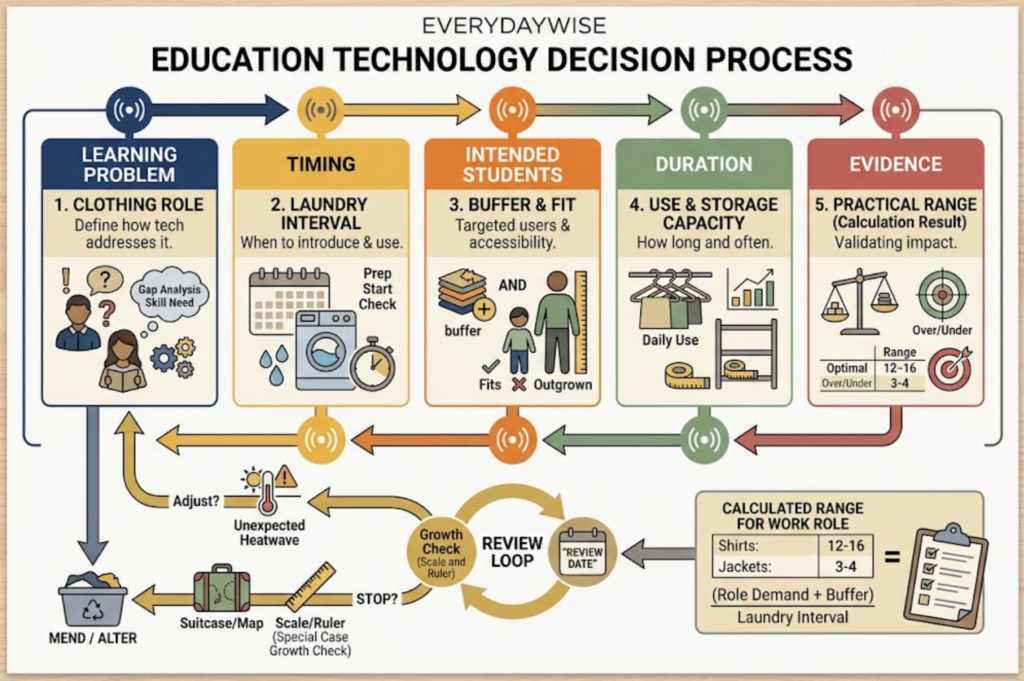
Add Two Practical Follow-Ups: Data and Support
The Department’s letter also emphasizes transparency, accessibility, implementation, and protection of student data. After the five learning questions, two follow-ups can reveal whether the plan is ready for real classroom use.
First ask what information the tool collects, who can access it, why it is needed, how long it is kept, and where the privacy notice or approved-app list can be found. Federal guidance advises educators to verify school or district approval before using an online service with student information. Because legal answers depend on the specific arrangement, request the district’s documented review rather than relying on a general claim that an app is “compliant.”
Then ask what support teachers, students, and families receive. Training, configured accessibility features, working accounts, and troubleshooting are part of effective implementation.
If You Have a Concern About Your Child
Begin with the specific experience rather than a general argument about technology. For example:
- “My child spends another hour completing this assignment after the expected time.”
- “The text-to-speech feature is not available in this activity.”
- “I cannot tell whether this app is required or optional.”
- “The dashboard shows minutes used, but I do not understand what skill is improving.”
- “I would like the district’s privacy notice and the name of the person who reviewed this service.”
Ask what can be adjusted and when you can check back. A schoolwide product, privacy, accessibility, or procurement issue may need an administrator, technology office, special-education team, or district privacy contact.
The Practical Takeaway
The new federal guidance gives parents a common vocabulary, not a veto button or a universal answer. A sound decision connects technology to a defined learning need, clear conditions, intended students, purposeful duration, and meaningful evidence.
Bring the five questions to a parent–teacher meeting or school technology discussion. You do not need to decide whether screens are categorically good or bad. You need enough information to understand what this particular tool is doing for this particular group of students—and what the school will do if it is not working.
This newsletter provides general educational and consumer information, not legal advice or an evaluation of any specific school, student, product, or disability accommodation. Requirements and procedures vary by state and district. Ask the school or district for the policies and contacts that apply to your child.
FAQ
Did the Department of Education set a national classroom screen-time limit?
No. The August 20 guidance encourages schools to minimize unnecessary screen exposure and focus on instructional value, but it does not establish a federal daily limit.
Does the guidance ban AI or classroom apps?
No. It encourages purposeful, evidence-based, accessible, transparent, and well-supported use. It does not ban classroom technology or approve every current use.
Can parents use the five questions for assistive technology?
Yes, with care. Assistive technology can be essential for access. The discussion should include the student’s individual needs and applicable support plan rather than treating all screen use as interchangeable.
Does frequent use prove that an education app works?
No. Usage can show adoption or activity. The guidance asks schools and providers to examine learning outcomes, implementation evidence, and feedback and to change course when a tool is not improving learning.
Sources
- U.S. Department of Education — Responsible Use of Education Technology in the Classroom
- U.S. Department of Education — Dear Colleague Letter on Education Technology and Screen Time
- U.S. Department of Education — Student Privacy FAQ for Classroom Online Tools